
The video toolbox that runs 100% in your browser
Compress a video
Shrink a video so you can send it on WhatsApp or by email, or post it, without handing it to a server.
- Free
- No sign-up
- Nothing uploaded
- Phone and computer

Supported formats:MP4MOVWEBMMKVAVIMP3WAVM4AGIF
Pick a tool
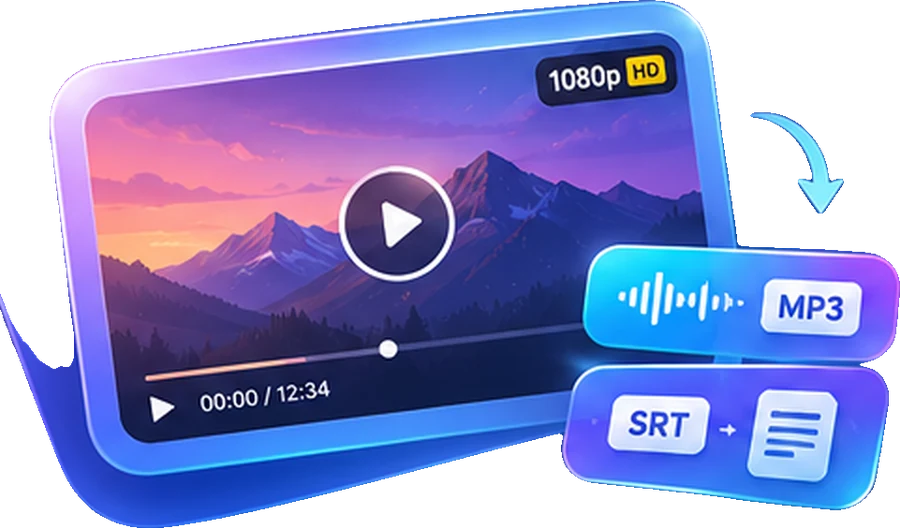
A complete toolbox for your videos
Most online converters upload your video to their servers. Here, your own browser does the conversion, so your file never leaves your device. It is more private, and there is no queue and no server-imposed limit.
- Super-fast conversionMP3, MP4, GIF, no queue
- 100% privateYour files never leave your device
- Simple editingTrim, compress, make GIFs
- Online, nothing to installComputer, phone and tablet
- Free, no sign-upNo account, no hidden limit
- AI transcriptionText, subtitles and translation: coming soon
How it works
Choose a file
A video or audio file from your phone or computer.
Adjust if needed
Quality, the part to keep, GIF size… The defaults work most of the time.
Download the result
The converted file is saved straight to your device.
Coming soon: video transcription and summaries
Paste a YouTube link or drop a file, and get the full text, a summary and a translation. Leave your email to hear when it launches.
- Soon Transcribe a video The full text, with timestamps
- Soon Subtitles Ready-to-use SRT and VTT files
- Soon Summarize and translate The key points, in your language
Questions
Is it really free?
Yes. The conversion tools are free and need no sign-up.
Are my files sent anywhere?
No. Only the conversion engine is downloaded into your browser, once. Your files are processed on your device and are never uploaded.
Does it work on iPhone and Android?
Yes, in a recent browser: Safari, Chrome, Firefox or Edge. For very large files, a computer will be faster.
What is the maximum file size?
2 GB. Above a few hundred MB, conversion can be slow on a phone.
Which formats are supported?
MP4, MOV, WEBM, MKV, AVI, M4A, WAV, MP3, OGG and most common formats.
Can I convert a YouTube video?
No, these tools work with your own files. To get the text of a YouTube video, our transcription tool is coming soon.